












How it works
Connect your phone to the same Wi-Fi as your TV
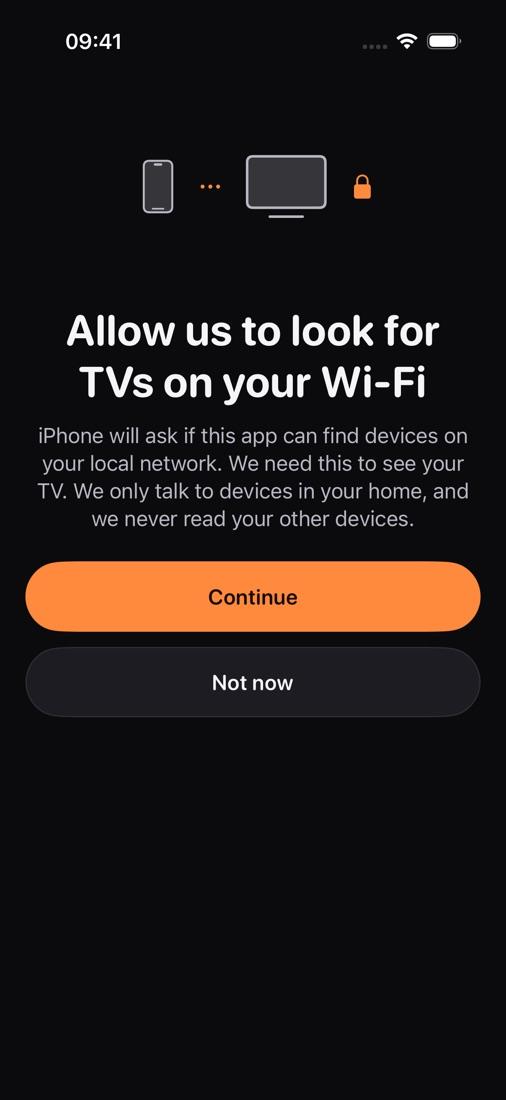
Pick your TV
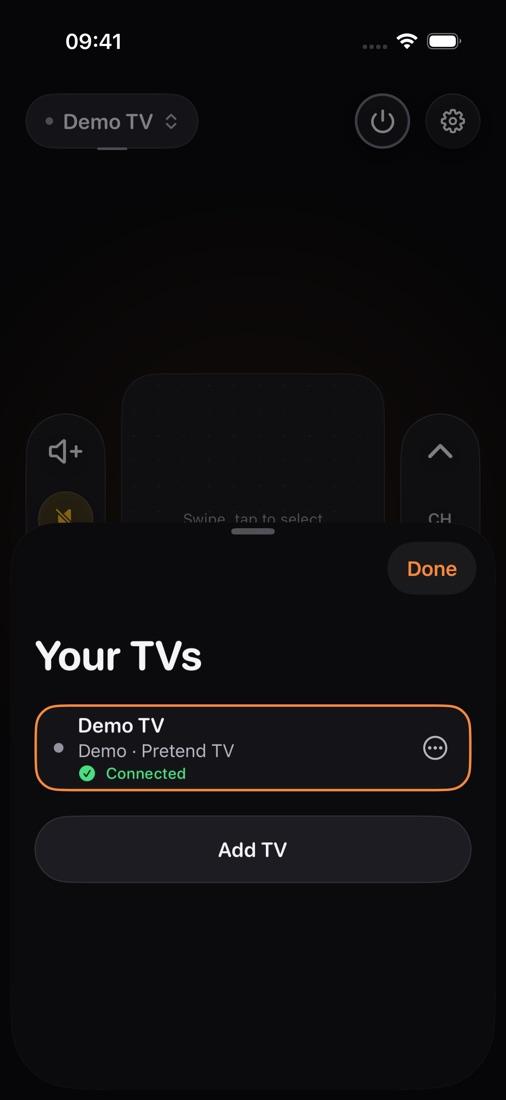
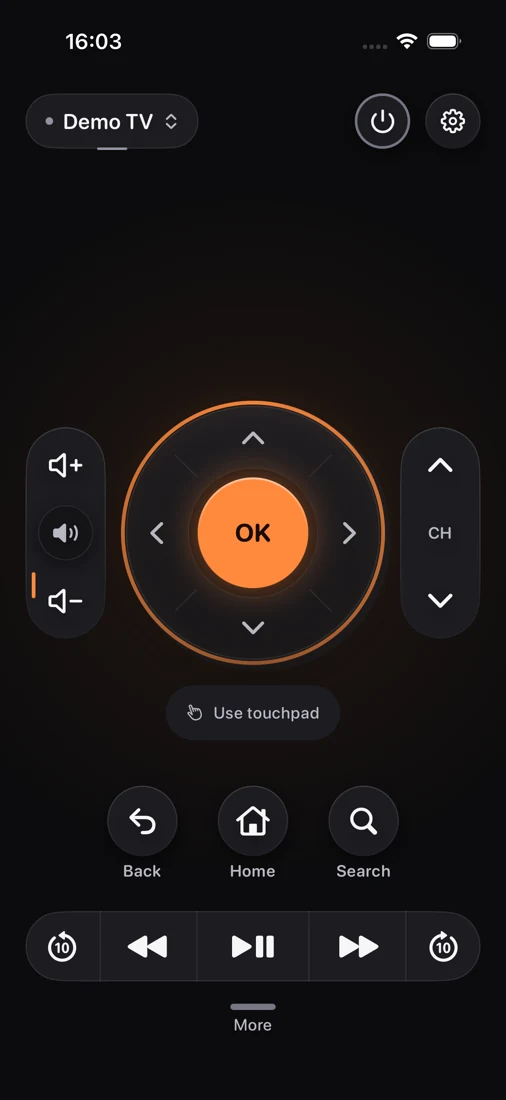
Use it as your everyday remote
More than buttons
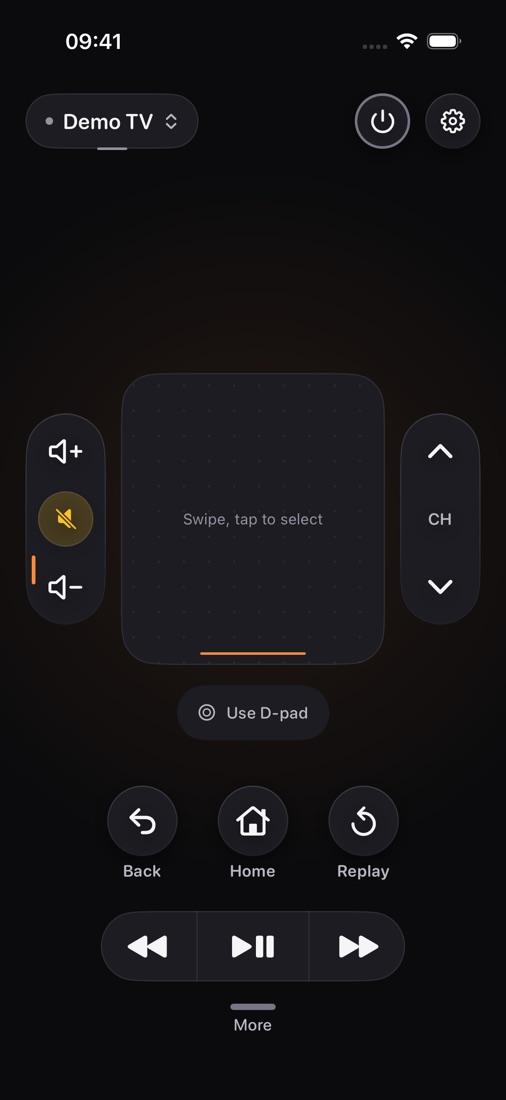
Touchpad
Swipe to move, tap to select.
Voice
Say it, and the remote presses the buttons.
Keyboard
Type on the TV with your phone's keyboard.
Apps
Open your TV's apps from your phone.
- Roku, Samsung, LG, Vizio and Google TV
- All your TVs in one list
- Inputs, number pad and colour keys
- No account needed
Your phone is the remote now
Questions
What is Airmote?
Airmote is a universal TV remote app for iPhone. It turns your phone into a remote for your smart TV over your home Wi-Fi: a direction pad, volume, channels, playback, a touchpad, typing with your phone's keyboard, voice commands and your TV's apps.
It works with Roku, Samsung, LG, Vizio and Google TV. Airmote needs Airmote Pro, which starts with a 3-day free trial, and you don't need an account.
Can I use my phone as a remote on my TV?
Yes, if it's a smart TV and it's on the same Wi-Fi as your phone. Airmote sends button presses over your home network, so there's nothing to aim and no line of sight needed.
It can't reach a TV that isn't connected to the network. If that's your situation, the guides on getting a TV on Wi-Fi without the remote are the place to start.
Is there any free TV remote app?
The TV makers' own apps are free, and each one works with that maker's TVs only. Airmote isn't free to keep: it starts with a 3-day free trial and then needs Airmote Pro, as a subscription or a one-time purchase. In return it works with several makes of TV.
How can I control my TV from my phone for free?
Connect your phone to the same Wi-Fi as the TV, install a remote app, and pick your TV from the list the app finds. Some TVs ask you to approve the phone the first time.
Airmote starts with a 3-day free trial, then needs Airmote Pro. You don't need an account.
Which TV remote app actually works?
It depends on the TV more than the app. Every Wi-Fi remote app needs the TV switched on and on your network, and each TV system speaks its own language.
Airmote works with Roku, Samsung, LG, Vizio and Google TV, and each brand's page says exactly what it can and can't do there. Airmote doesn't support Fire TV or Apple TV yet.
Does my phone have to be on the same Wi-Fi as the TV?
Yes. Airmote talks to the TV over your home network. Mobile data won't reach it, and neither will a guest network the TV isn't on.
Do I need an account to use Airmote?
No. Airmote has no accounts at all. Open the app, pick your TV and start pressing.